Marketing for Construction Companies: Where to Start
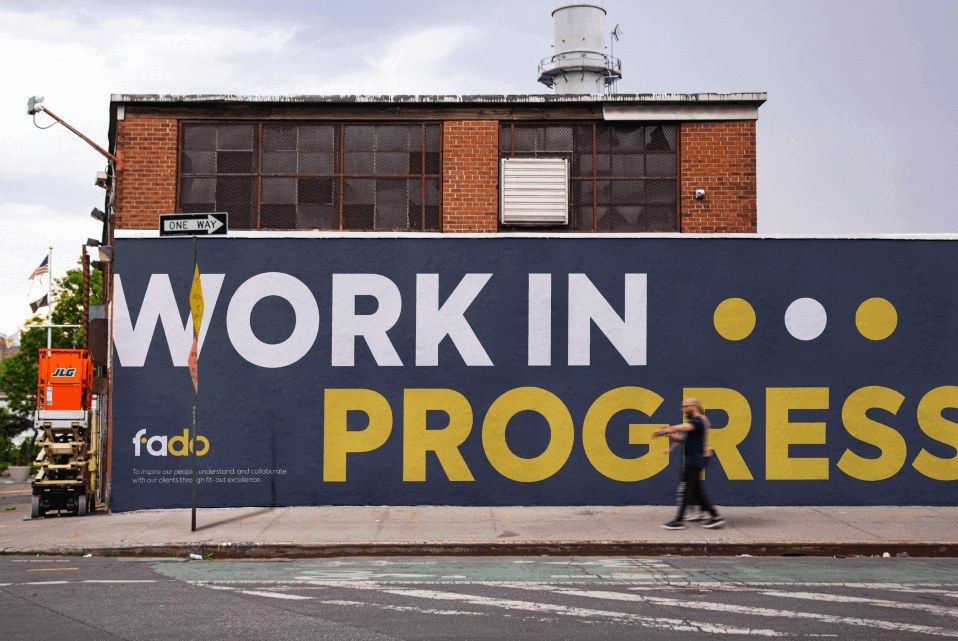
Most construction companies win their work through relationships and tenders. A past client comes back, a surveyor passes your name on, a main contractor asks you to price a package, or a buyer adds you to a tender list.
Before any of them pick up the phone, they look at your website, your Google reviews and your accreditations. Your marketing’s first job is to make sure what they find matches the reputation that got you the introduction. Start with the places they check, in the order below, and use the other construction and fit-out marketing guides for more detail on the website and Google.
Your Website Comes First
Your website is where people look for proof. A client wants to see jobs like theirs, and a main contractor’s buyer wants to see that you’re established, insured and accredited. If the site looks dated, loads slowly on a phone or shows stock photos of someone else’s building, you lose some of the trust the introduction gave you. Fix the basics first:
- Recent projects with your own photos and a few lines on each
- Services described in the words your clients use
- The areas you cover, and your accreditations and insurance
- Your phone number and email on every page, and a contact form that works
- Fast pages on a phone
In my work with Fado, a London fit-out company, I rebuilt the website for speed and clarity and set up the SEO behind it. My guide to what a fit-out company website needs goes through each part, and most of it applies to any contractor.
Google Business Profile and Reviews
Search your company name on Google. The panel with your reviews, photos and phone number is your Google Business Profile, and Google uses the same profile to show you in Maps when someone nearby searches for the work you do.
Claim or create the profile, complete every section and add photos of real projects. Ask every client for a review at handover, send a direct link and reply to each review, good or bad. Google’s rules don’t allow you to pay or reward anyone for a review, or to ask only the clients you expect to be happy. My Google Business Profile guide covers the set-up.
Case Studies Are Your Best Content
If you only produce one kind of content, make it case studies. They show a buyer you’ve done a job like theirs, and you can reuse each one on your website, in tenders and on LinkedIn. This structure works for most jobs:
- The brief: client, sector, location, size in sq ft and what they asked for
- The challenge: what made it hard, such as an occupied building or a tight programme
- What you did: the work, in plain terms
- The result: what the client ended up with and when you handed over
- Photos: before, during and after
- A quote: from the client, used with their permission
Write each one while the job is fresh, from the project manager’s notes and photos. If a client doesn’t want to be named, describe them, for example as a law firm in central London. Start with three jobs that show the work you want more of.
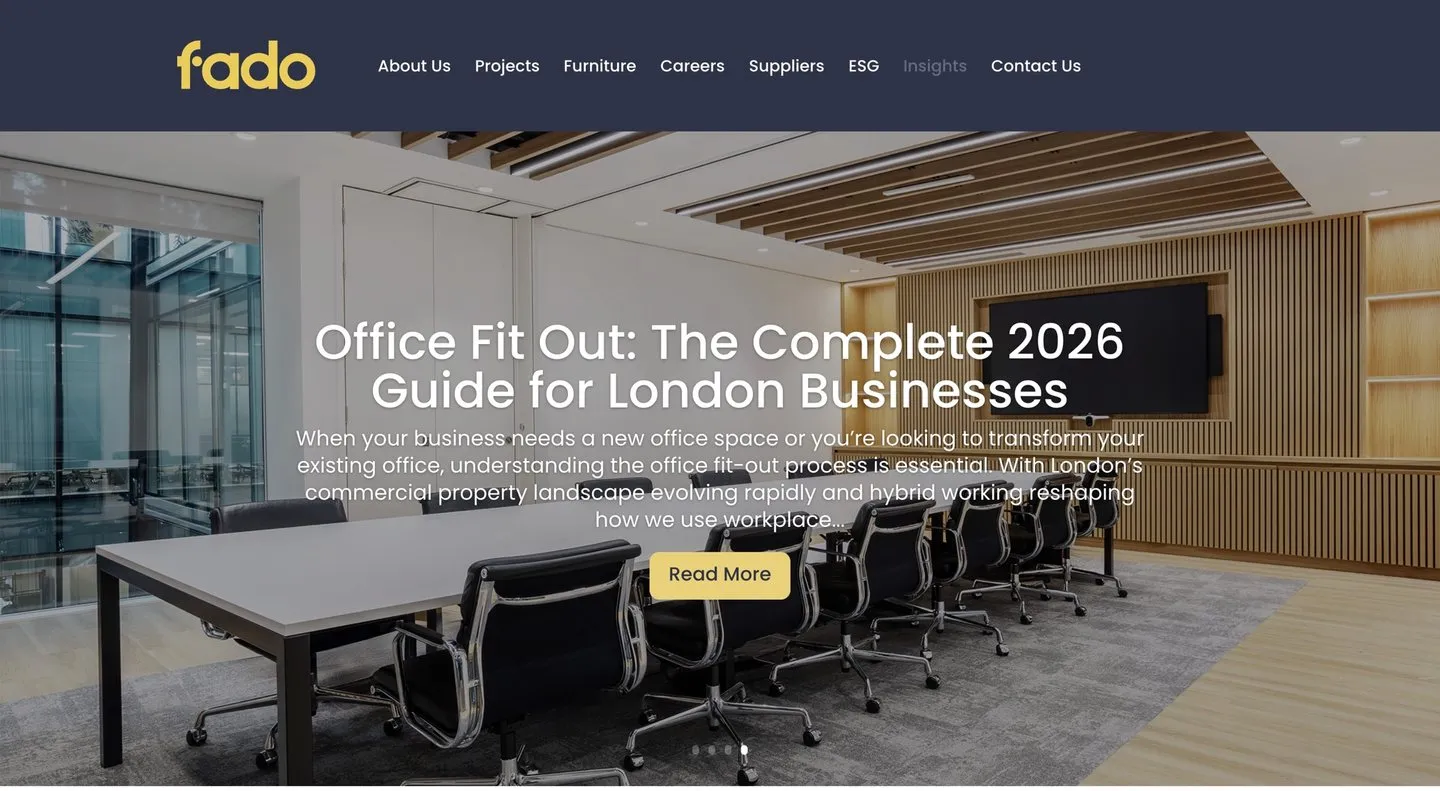 The Insights section I built for Fado, where their articles live.
LinkedIn for Directors and Project Managers
Many of the people who hire contractors, from facilities managers to architects, are on LinkedIn. Keep your company page complete and active. Directors and project managers should post from their own profiles too, because their connections are the clients, surveyors and contractors they’ve worked with.
Pick a routine you can keep, such as each project manager posting progress from site every couple of weeks and a case study on the company page each month. Check photos first for anything the client wouldn’t want public and for anyone without the right PPE. For Fado, I built social media templates and a posting framework and trained the team to use them. Templates take the design work out of each post, which makes a routine easier to keep.
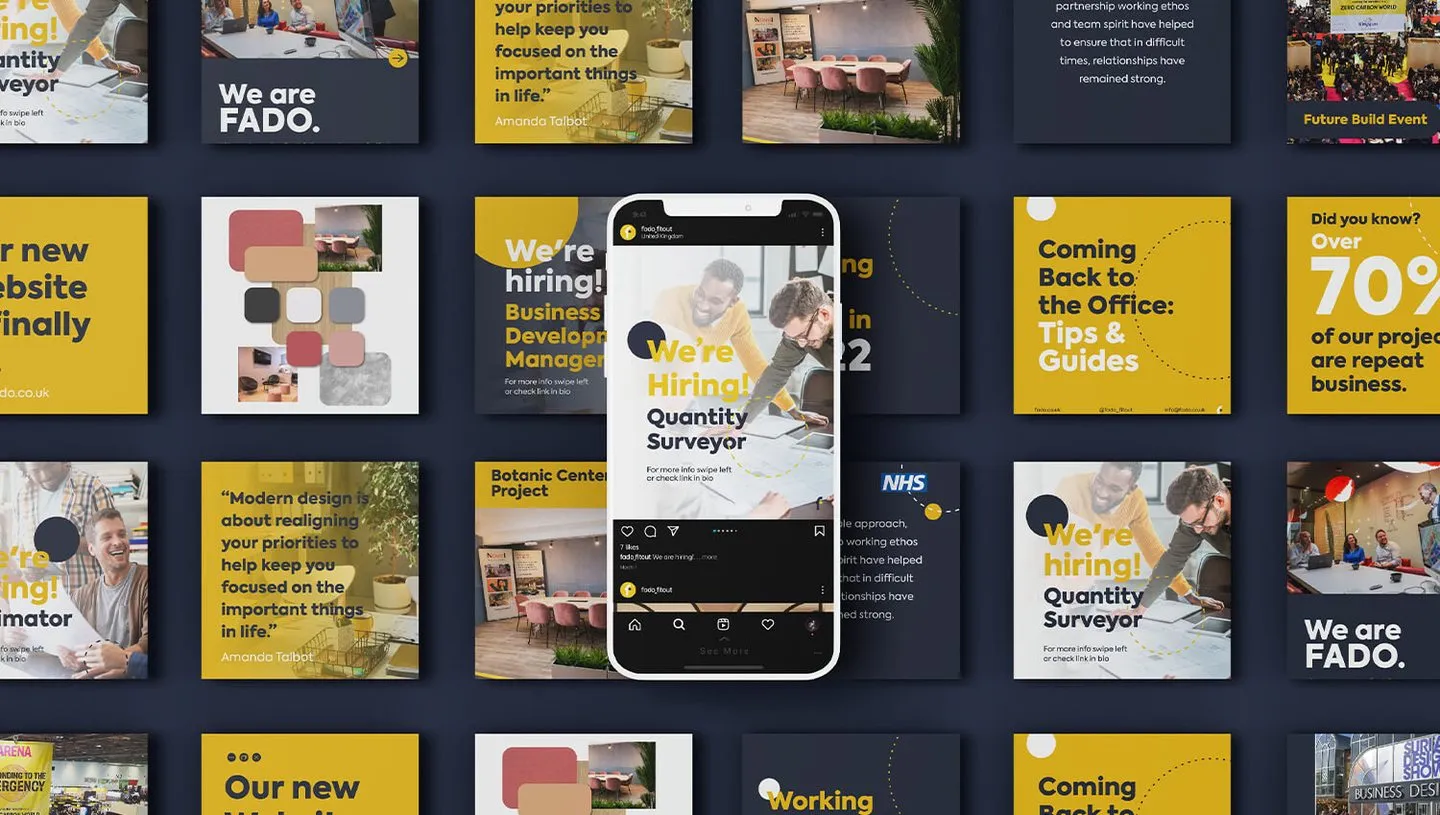 Social media templates I made for Fado.
Show the Accreditations Buyers Check
Main contractors, public sector buyers and larger clients check accreditations at pre-qualification, often before you get the chance to price. If you hold CHAS, Constructionline, SafeContractor, or ISO 9001, 14001 or 45001, make them easy to find.
Give each one a line on your website saying what it covers, next to your insurance cover and health and safety approach, since pre-qualification questionnaires ask about both. Remove anything you’ve let lapse, because a buyer who checks will notice.
Measure Enquiries and Where They Come From
Count your enquiries and record where each one came from. Set up three things:
- Google Analytics key events for form submissions, phone clicks and email clicks
- Google Search Console, which shows the searches that bring people to your site
- A “How did you hear about us?” question on your contact form, asked again on the first call
Only the client can tell you if they found you through a surveyor, a branded van or a site hoarding. Keep a simple log with the date, the client, the source, the type of job and whether you won it. After a few months you’ll see which sources bring the jobs you win.
Using AI for First Drafts
AI tools are good at turning rough material into a first draft. Give one your site notes and a few photos, and it will draft a case study or LinkedIn post in minutes. It can also adapt tender boilerplate, such as your company history, to each bid’s questions.
The risk is that AI fills gaps with details that sound right, such as an invented floor area. A person who knows the job must check every fact, figure and name before anything goes out, above all in a tender, where your company commits to what it says. Keep confidential client information out of any AI tool your company hasn’t approved.
A Simple 90-Day Plan
A few hours a week and one person who owns the job will cover this. Work through it a month at a time:
- Month 1: website fixes and your Google Business Profile. Fix the website basics above, set up key events and Search Console, and claim, verify and complete your profile.
- Month 2: three case studies and review requests. Write up three recent jobs. Ask every client from the past year for a Google review, and make the request part of every handover.
- Month 3: a LinkedIn routine and your first articles. Agree who posts and how often. Write two articles answering questions clients ask before they hire you, such as how long an office fit-out takes.
After 90 days, check your enquiry log and decide what to do more of. Give articles longer before you judge them, since search traffic takes months to build.
Checklist
- Website shows recent projects, services, areas and accreditations
- Website fast and easy to use on a phone
- Google Business Profile claimed, verified and complete
- A review request at every handover, and a reply to every review
- Three case studies with photos and client quotes
- A LinkedIn routine for directors and project managers
- Key events and Search Console set up
- “How did you hear about us?” asked on every enquiry
- Every AI draft checked by someone who knows the job