Google Business Profile for Construction Companies
Your Google Business Profile is the free listing that shows your company in Google Search and Google Maps, with your phone number, reviews, photos and a link to your website. A past client searching your name, or a facilities manager looking for contractors nearby, will often see it before anything else.
Setting it up is one of the first jobs in my construction and fit-out marketing guides. The profile costs nothing, the set-up takes an afternoon and it needs a few minutes a week after that.
When I started working with Fado, a London fit-out company, in 2025, they had no profile at all. Within a year of setting one up, it was getting around 993 views and 317 customer interactions a month.
Google’s guidelines for representing your business set the rules, and Google can suspend profiles that break them. Read them once before you start.
Use Your Real Name and Address
Use your business’s real-world name, the one on your signage, vans and invoices. Adding keywords, such as “Office Fit-Out London” after your name, breaks the guidelines and can get the profile suspended.
The address must be a real place your business works from, and virtual offices and PO boxes aren’t eligible. Add your opening hours, a phone number someone answers during them, and your website address.
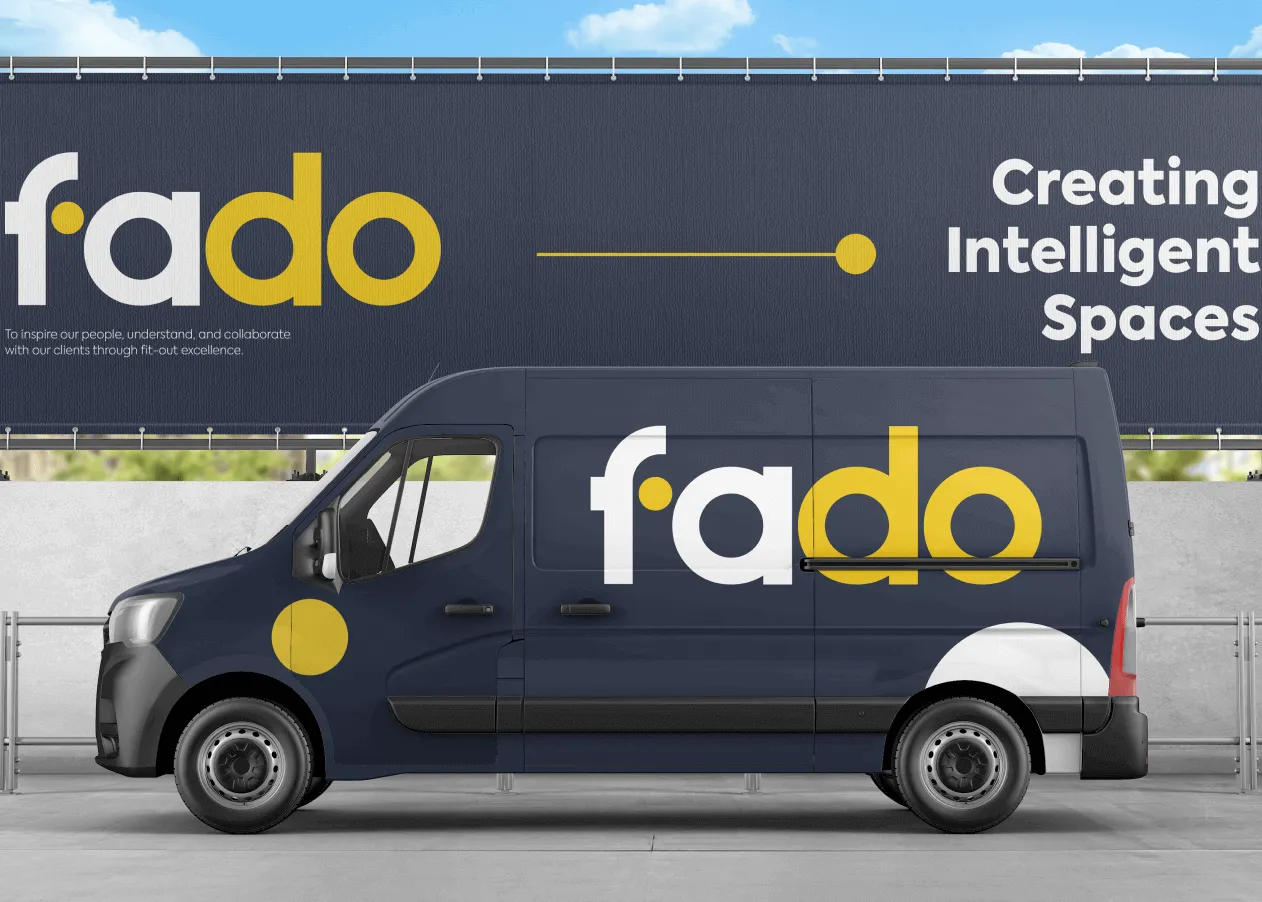 One name everywhere: on the vans, the signage and the profile.
Service Area or Office Address
Most construction and trades businesses work at the client’s premises. If clients don’t come to you, set the profile up as a service-area business, which hides your address and lists the areas you serve, such as towns, boroughs or counties. Do the same if you run the business from home.
If clients do visit, for example to see a showroom or meet at your design studio, you can show the address as well as your service areas. Keep the list of areas to places you work, so the profile matches the business.
Get Verified
Google may ask you to verify that the business is real and that you run it, sometimes by recording a short video. Follow the instructions it gives you, and have your signage, a branded van or your tools, and some business paperwork to hand.
 Signage at your office or on a van helps if Google asks you to verify by video.
Choose Your Categories
Your primary category tells Google what your business is. Search the category list for your main service and pick the most specific option that describes the business as a whole.
Google’s guidelines ask you to use as few categories as possible, so add extra ones only for work that makes up a real part of the business. To check your choice, search for your main service in your area and look at the category shown under each competitor’s name.
Write a Plain Description
The business description allows up to 750 characters. Use it to say what you do, who you do it for and where, in plain words. Mention your main services, the sectors you work in and the accreditations your clients care about, and leave out slogans and lists of keywords.
Photos and Updates
Photos let a client see your work before they speak to you. Upload your own photos of finished projects, work in progress, your team and your vans or signage. Take them in daylight once the site is clear, and shoot the before and after shots from the same spots. Add new ones as jobs finish, so the profile shows recent work.
You can also post updates. Use them for finished projects, new accreditations and company news, each with a photo and a link to the case study on your website. Name the type of job and the area in the text, for example a Cat B fit-out in Reading or a school roof in Kent.
People click through from your profile to your website, so the site has to back it up with real projects and an easy way to get in touch. My guide to what a fit-out company website needs covers the details.
Reviews: Ask Everyone, Reply to Everyone
Make the review request part of your handover. Send each client a short email that thanks them for the project, explains that a review helps other clients find you and includes the direct link. Follow up once if they don’t reply. Stay inside Google’s rules:
- Don’t buy reviews or pay anyone to write them.
- Don’t offer anything in return, such as a discount or a gift.
- Ask every client. Asking only the ones you expect to be happy is called review gating, and Google doesn’t allow it.
- Don’t write reviews of your own business or ask staff to.
Reply to every review. Thank people for good ones and mention the project. For a critical one, reply calmly, stick to the facts and offer to talk it through by phone, keeping private project details out of it. Future clients read your replies, so write for them as much as for the reviewer.
Track What the Profile Brings In
Add UTM tags to the website link on your profile, so visits from it show separately in Google Analytics. Whoever looks after your website can set this up in a few minutes. The tags go on the end of your web address, after a question mark and separated by the & sign:
utm_source=googleutm_medium=organicutm_campaign=gbp
The visits still count as organic search, and the campaign name lets you pick them out. The Performance view in your profile shows how many people called you, clicked through to your website or, if your address is shown, asked for directions. Check it once a month and add the numbers to the enquiry log from my guide to marketing for construction companies.
If a client says they found you on Google, ask whether it was the map listing or your website. The answer tells you which of the two deserves more of your time.
Keep It Current
Update your hours for bank holidays and the Christmas shutdown. Add service areas when you start working somewhere new, and remove any you’ve stopped covering. Give a colleague manager access so the profile doesn’t depend on one person’s login. Check your details once a month too, because members of the public can suggest edits to your profile.
Checklist
- Business name matches your signage, with no added keywords
- A real address, with no virtual office or PO box
- Address hidden and service areas listed if clients don’t visit you
- Primary category chosen from a search for your main service
- Description written, up to 750 characters
- Your own project and team photos, added as jobs finish
- A review request sent to every client at handover
- A reply to every review
- UTM tags on the website link
- Performance view checked monthly