On this page
Most construction work is won through relationships, referrals and tenders, not social media. So it’s fair to ask why a contractor should post at all.
The answer is that social media is where people check you between introductions. A facilities manager remembers your name from a hoarding, a quantity surveyor is putting together a tender list, a subcontractor wants to know if you pay on time, and a site manager is wondering whether to move jobs. Many of them will look at your LinkedIn before they look at your website. If the last post was two years ago, or there’s nothing there at all, that’s a small mark against you before anyone has spoken.
Done well, social media keeps you in front of the people who already know you, shows new contacts proof of the work, and makes hiring easier. This guide covers where to post, what to post, how often, and what has worked for UK construction and fit-out firms. Much of what ranks for this subject is written for American home builders. This one is for UK firms that sell to businesses.
In short:
- LinkedIn first: that’s where clients, surveyors and main contractors are.
- Two posts a week: one planned, one from site.
- Post real work: milestones, details, the client’s words and your people.
- Check every photo: permission, PPE and security before it goes out.
- Keep going: an owner, templates, a calendar and a photo habit.
Here’s this guide as a LinkedIn carousel:
Read the slides as text
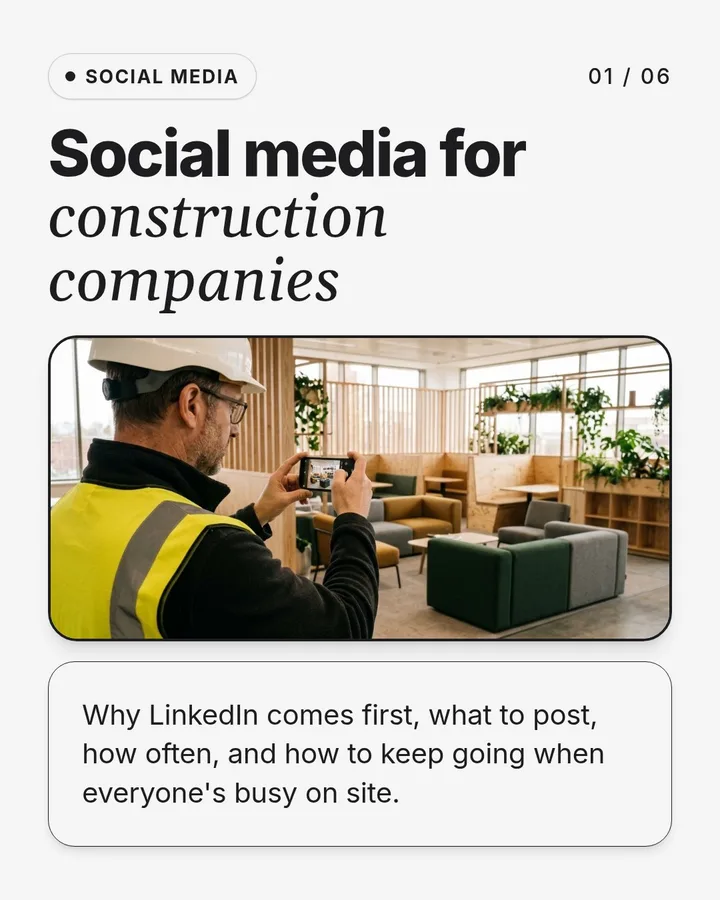
- Social media for construction companies. Why LinkedIn comes first, what to post, how often, and how to keep going when everyone's busy on site.
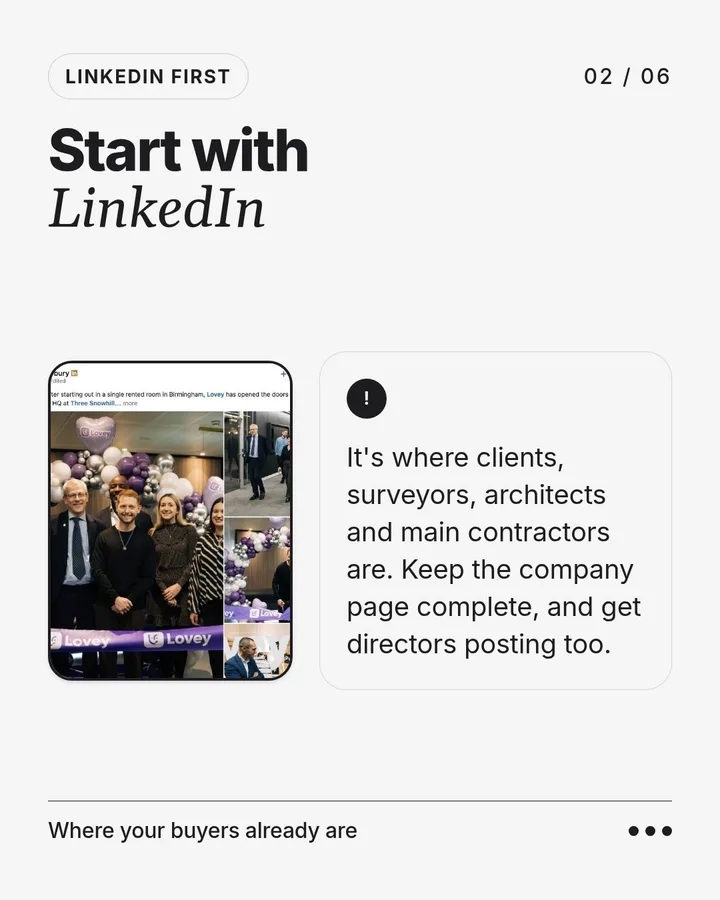
- Start with LinkedIn. It's where clients, surveyors, architects and main contractors are. Keep the company page complete, and get directors posting too.
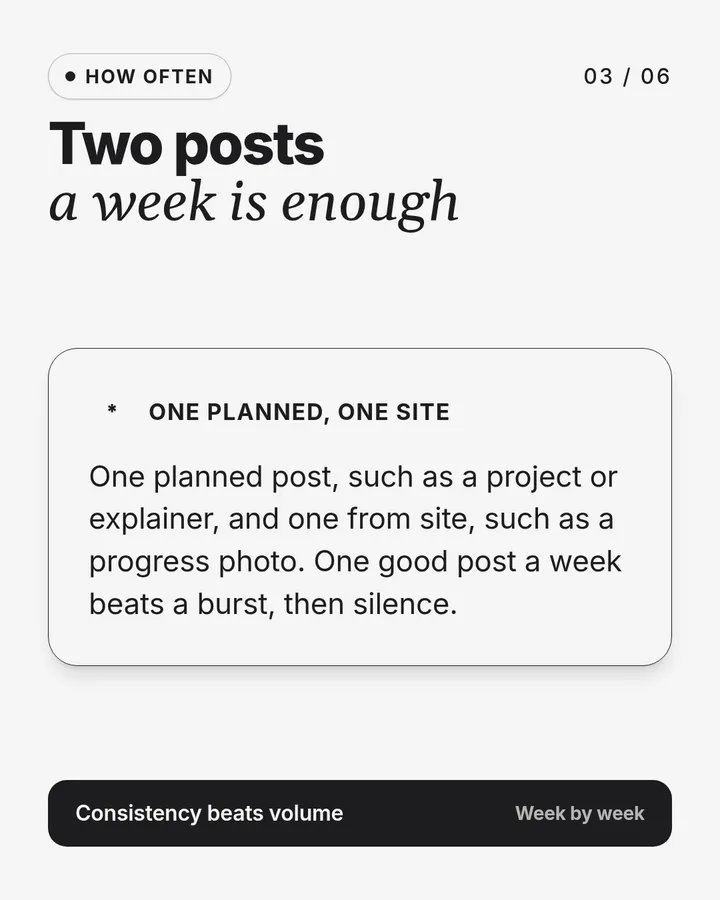
- Two posts a week is enough. One planned post, such as a project or explainer, and one from site, such as a progress photo. One good post a week beats a burst, then silence.
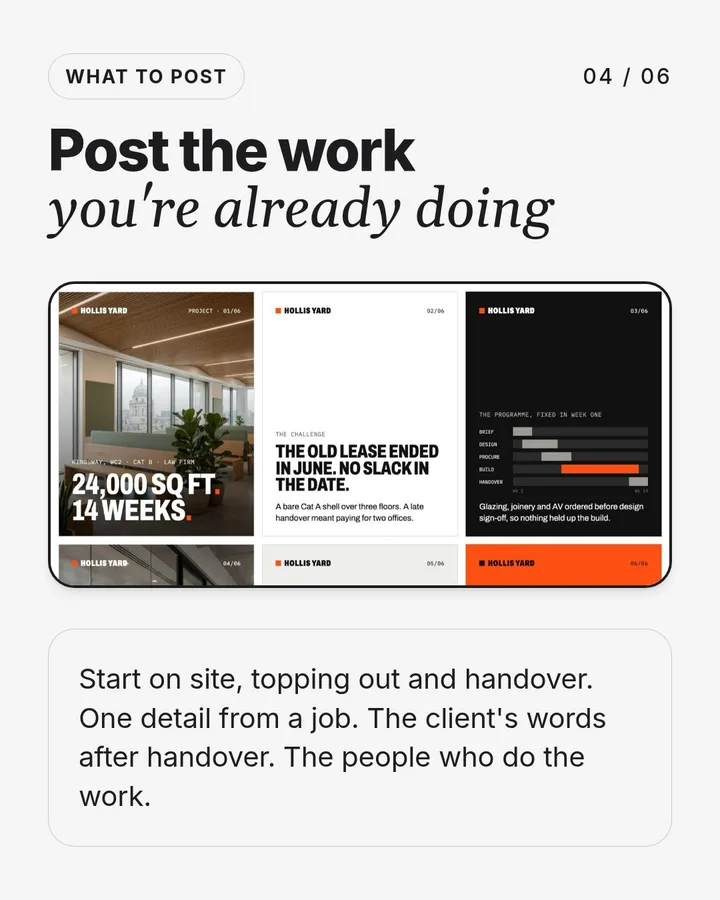
- Post the work you're already doing. Start on site, topping out and handover. One detail from a job. The client's words after handover. The people who do the work.
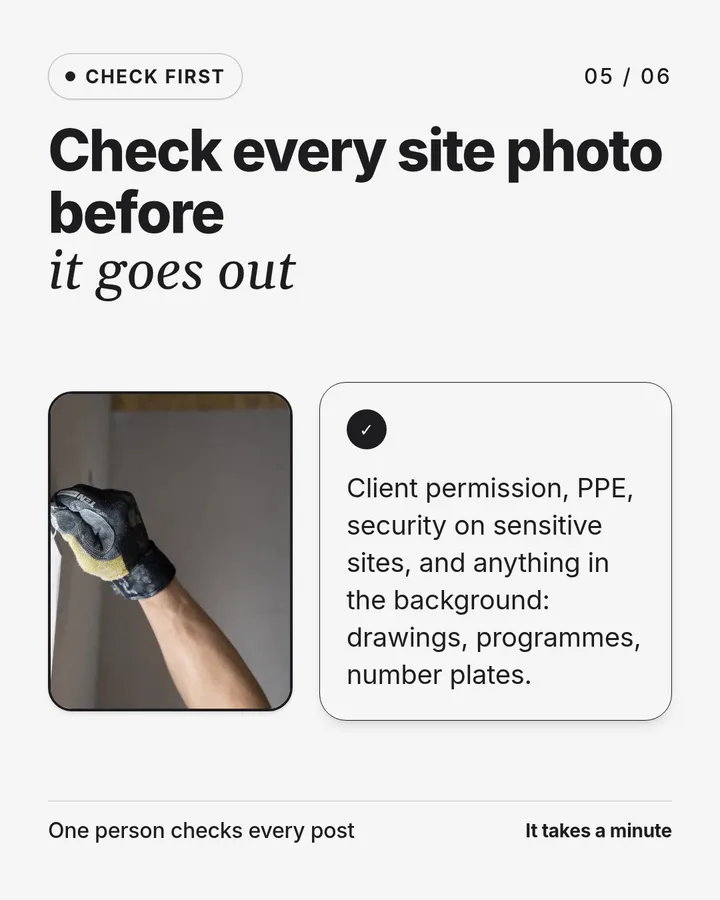
- Check every site photo before it goes out. Client permission, PPE, security on sensitive sites, and anything in the background: drawings, programmes, number plates.
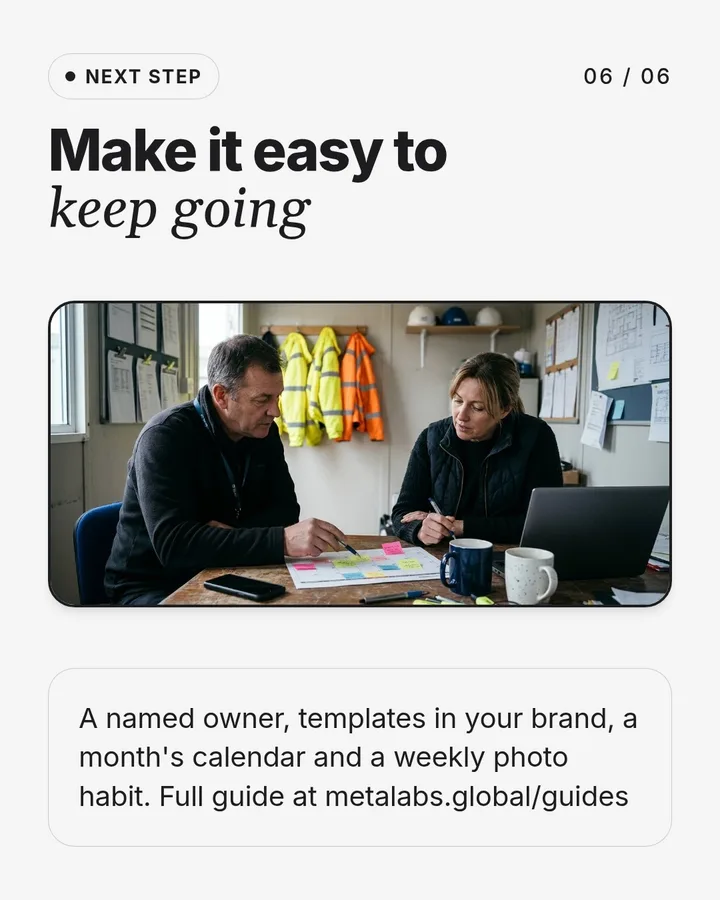
- Make it easy to keep going. A named owner, templates in your brand, a month's calendar and a weekly photo habit.
Start With LinkedIn
If you only do one platform, make it LinkedIn. The people who hire commercial contractors use it for work: facilities and workplace managers, property and asset managers, architects, surveyors, project managers and main contractors’ buyers. It’s also where construction people look for jobs.
The other platforms have a place, depending on who you sell to:
- LinkedIn: commercial clients, consultants, main contractors, supply chain and recruitment. The first choice for almost every B2B contractor.
- Instagram: finished interiors and design-led work. Worth it for fit-out, interiors and high-end residential, where the photos sell the job.
- Facebook: homeowners and local community groups. Useful for domestic builders and trades, much less so for commercial work.
- YouTube: longer project films, site tours and how-to videos. A good home for video you can then link to from LinkedIn and your website.
- TikTok: mostly a recruitment channel for trades and apprentices, if someone on your team enjoys making short videos.
It’s better to post well on one platform than badly on four. Start with LinkedIn, and add a second only when the first is a habit.
Your Company Page and Your People
LinkedIn works on two levels, and construction firms need both.
The company page is your shop window. Complete every section: logo, cover image, a description that says what you build and where, your website, location, industry and company size. LinkedIn’s own figures say pages with complete information get 30% more weekly views. Use the cover image for a real project photo, not a stock skyline.
Personal profiles are where the reach is. A director’s or project manager’s connections are the clients, consultants and contractors they’ve worked with for years. When they reshare a company post with a line of their own, such as what they learnt on the job or who they want to thank, it reaches people the company page never would.
You don’t need everyone posting. Two or three people who are comfortable doing it, usually a director and a project or site manager, are enough. Make it easy for them by sending the post and a suggested line when it goes live.
What to Post
Construction firms have more to post about than most businesses. Every job has a start, a middle and an end, and every one of those is a post. These are the types to build a routine around:
- Project milestones: start on site, topping out, a key delivery, handover. Give the client (with permission), the location, the size and the programme.
- Finished projects: the case study cut down to what a buyer cares about: what you did, how big, how long and what made it hard. A carousel of five or six slides works well, with a link to the full project page on your website.
- One detail from one job: a staircase, a joinery package, a restored ceiling, a clever bit of temporary works. One job can give you five of these.
- People on site: a day in the life of a site manager, a new starter, an apprentice finishing their course. These often do better than project posts, and they help you hire.
- Explainers: answer the questions buyers ask before they hire you, such as Cat A vs Cat B, how long a fit-out takes, or what a test fit is.
- What you know about a sector: what you’ve learnt building schools, labs, offices in listed buildings or live hospitals. This shows a buyer you understand their world, not only the build.
- Accreditations, frameworks and awards: a new ISO certificate, a framework appointment, a shortlisting. Keep them short and thank the people involved.
- Community and social value: school visits, careers fairs, charity work, local suppliers. Public sector buyers score this in tenders, and posts give you a dated record of it.
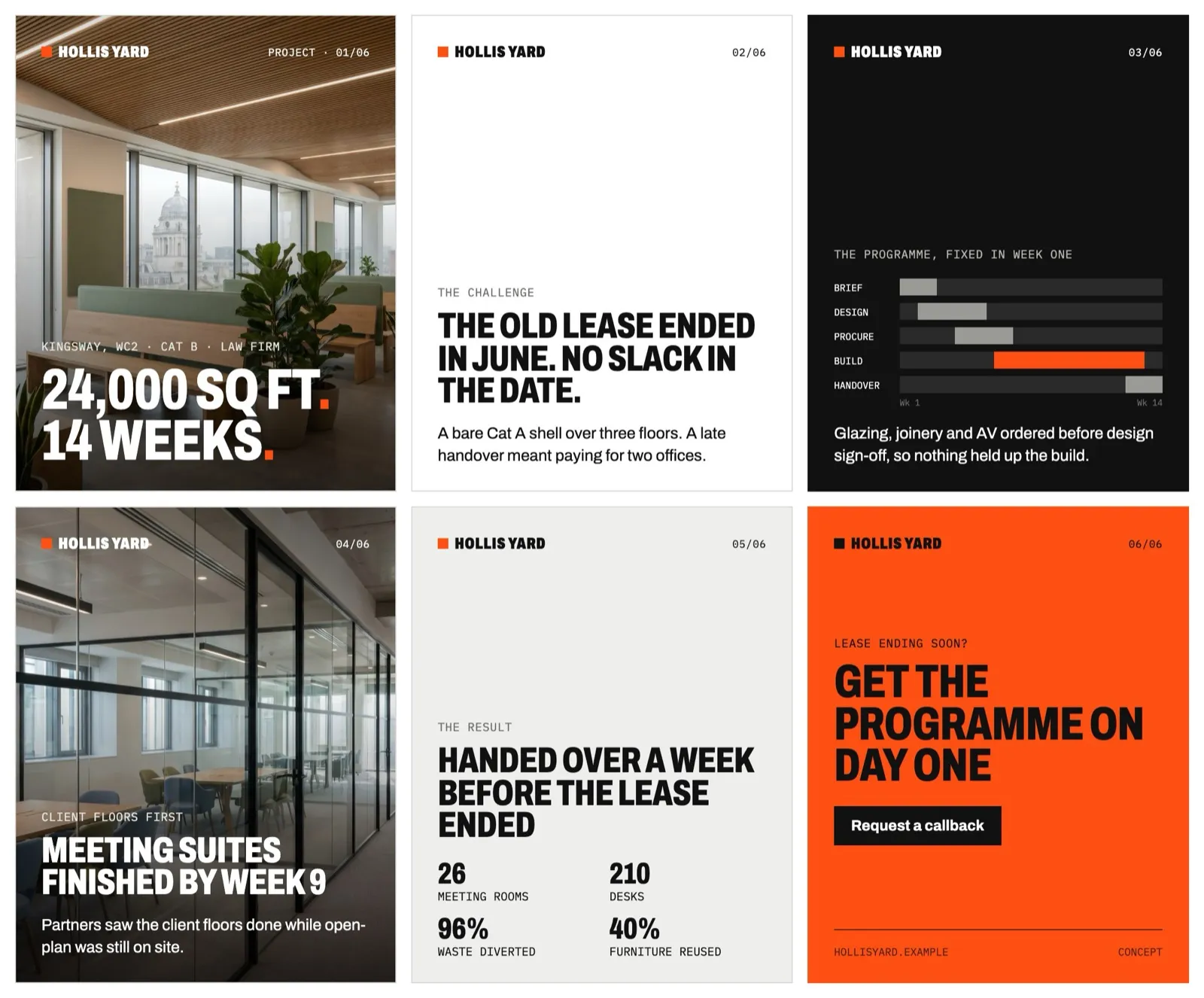 A project told in six slides: size and programme first, then the challenge, how it was done and the result. From the Hollis Yard concept; the firm and its figures are fictional.
Write posts the way you’d explain the job to a client on site: plain words, real numbers and no “we’re delighted to announce” padding. Lead with the most interesting fact, such as “24,000 sq ft, handed over a week before the lease ended”, not with your company name.
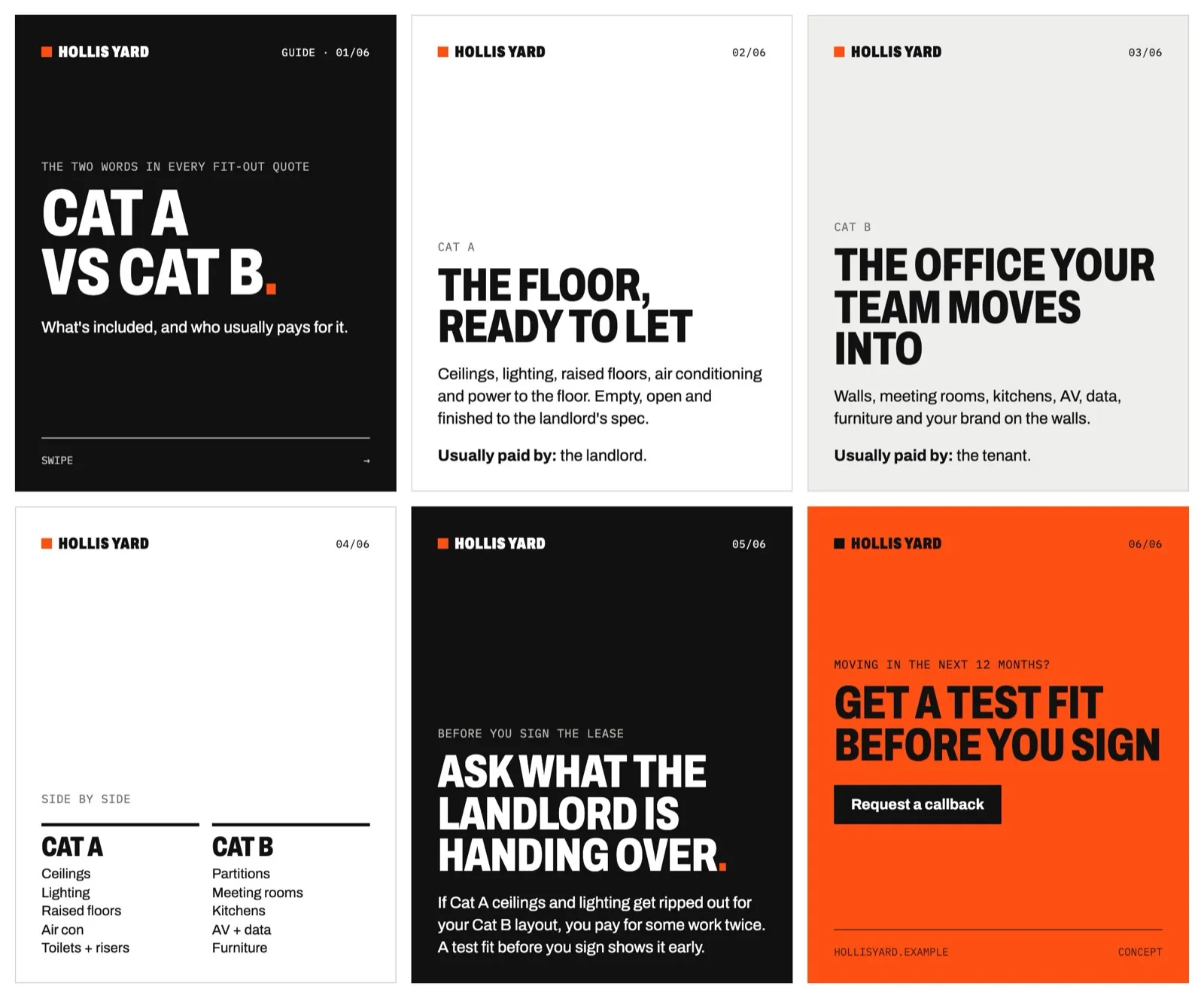 An explainer people save and send to colleagues. It reaches buyers months before they need a contractor. Also from the Hollis Yard concept.
7 UK Construction Companies Doing LinkedIn Well
These seven firms each do one thing on LinkedIn that a smaller firm can copy. Each company page was checked in October 2026. Feeds change quickly, so look at the live page before you copy anything.
1. Speller Metcalfe: Every Milestone Is a Post
Speller Metcalfe posts at every stage of its jobs: main works starting on a leisure centre, a topping out at a theatre, a refurbishment handed back to the client. Each post gives the project value, the client and when the building opens. They also post framework appointments, which tells public sector buyers they’re already approved.
For your page:Post at start on site, topping out and handover.
2. Knight Harwood: One Detail at a Time
Knight Harwood often gives a whole post to one part of one project: the staircases in an office building, restored fireplaces in a Grade II listed building, the joinery across a residential fit-out. Each post names the client or developer as a partner, “our project with” them, so the post reaches their followers too.
For your page:Take the best details from one job and give each its own post.
3. Overbury: The Client’s Voice
Overbury uses carousels to look back on finished fit-outs with the client’s project manager, and its project posts give the floor area, such as a 77,000 sq ft workplace in Newcastle. The words come from the people who commissioned the work, which is more convincing than the contractor praising itself.
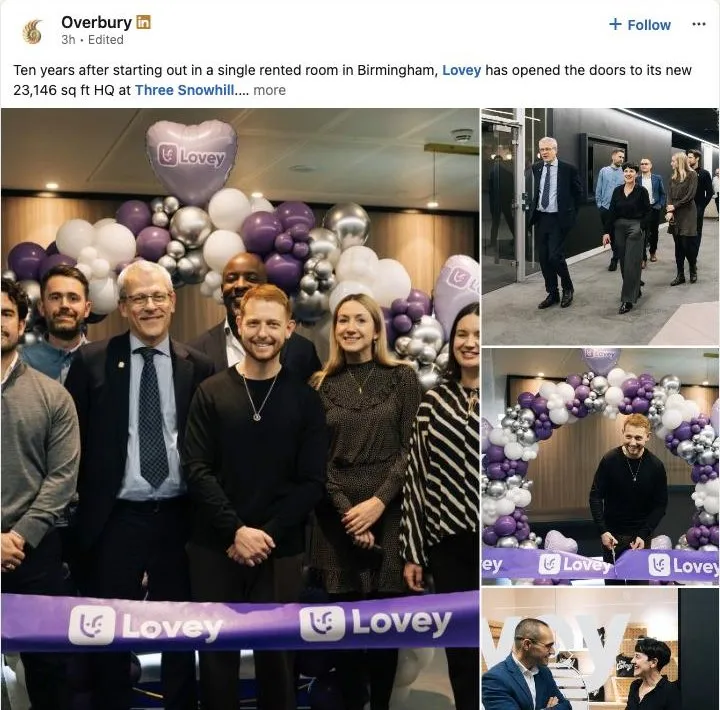 An Overbury project post: the client named, the floor area given and the client’s team in the photos. Checked November 2026.
For your page:After handover, ask the client two or three questions and post their answers.
4. Morgan Lovell: People on Camera
Morgan Lovell runs short videos about its own people, such as a project designer on how they got into design, or a junior designer who came up through the firm’s foundation programme. Alongside them are progress photos and finished projects with the client named.
For your page:Film a two-minute phone interview with someone on your team.
5. Willmott Dixon: Sector Knowledge
Willmott Dixon writes posts about what it has learnt in the sectors it builds for. After handing over several police buildings in one summer, for example, it posted about why custody suites are repeatable and what forces should look for in a builder. It also posts its thinking on NHS estate priorities.
For your page:Share what your last three jobs in one sector taught you.
6. Bowmer + Kirkland: Supply Chain and Early Careers
Bowmer + Kirkland posts about its meet-the-buyer events for local businesses, T Level placements and trainees who’ve won awards. Those posts speak to subcontractors and future staff as much as to clients, and they’re a running record of the social value the firm delivers.
For your page:Post apprentices, local suppliers and team qualifications.
7. Oktra: Useful Before You Need Them
Oktra posts guides that help a business before it needs a fit-out contractor, such as what Victoria offers as an office location, or what London’s growing AI sector needs from office space. Someone weighing up a move a year from now reads these, and remembers who wrote them.
For your page:Once a month, answer a question clients ask before they hire you.
Your First Seven Posts
One post of each type, written for a smaller firm. Swap in your own project, client and people.
Milestone (like Speller Metcalfe)
Works start on [project], a [size] [type of building] for [client]. Due to open in [month].

One detail (like Knight Harwood)
The staircase at [project]: what it took to make and fit it, in four photos.

Client's voice (like Overbury)
[Client]'s office manager on the move: three questions, three answers, one photo of the finished floor.

People (like Morgan Lovell)
60 seconds with [name], site manager: how they got into construction and what a good day on site looks like.

Sector knowledge (like Willmott Dixon)
What three school jobs in the summer holidays taught the team about working to a fixed deadline.

Supply chain and careers (like Bowmer + Kirkland)
Looking for [trade] subcontractors in [area]: how to get on the approved list.

Useful before they need you (like Oktra)
Cat A or Cat B: what your landlord is really handing over, and what to ask before you sign.
How Often to Post
Consistency matters more than volume. LinkedIn says companies that post weekly see a 2x lift in engagement with their content. For most construction and fit-out firms, two posts a week on the company page is a good start:
- One planned post, such as a finished project, a carousel or an explainer, written a week or two ahead
- One post from site, such as a progress photo or a short video with one line on what’s happening this week
Here’s what the first four weeks could look like:
| Week | Planned post | Post from site |
|---|---|---|
| 1 | An explainer carousel | A progress photo |
| 2 | A finished project carousel | A short video of a site manager or new starter |
| 3 | What you’ve learnt in one sector | Another progress photo |
| 4 | A before-and-after of one space | A team or careers post |
The directors and project managers reshare the planned post with a line of their own. If two a week is too much, one good post a week is far better than a burst of activity followed by six months of silence.
Check Site Photos Before You Post
Site photos are the best content a contractor has, and the easiest way to get into trouble. Before anything goes out, check:
- The client’s permission. Some contracts and NDAs don’t allow photos or naming the client. Ask at the start of the job, not at handover.
- Security. Don’t post layouts, access points or plant rooms for sensitive buildings such as data centres, banks, airports, police or government sites.
- Health and safety. Everyone in the shot should be wearing the right PPE and working safely. A buyer or the HSE will notice a missing harness before they notice the joinery.
- People. Get consent before you post someone’s face, and don’t post children, pupils or patients without written permission from the school or hospital.
- What’s in the background. Drawings on a screen, a whiteboard of programme dates, a neighbour’s house number or a car registration.
- Homes. For domestic work, don’t give away the client’s address or show their belongings without asking.
One person should check every post against this list before it goes out. It takes a minute.
Make It Easy to Keep Going
Most construction firms don’t stop posting because it didn’t work. They stop because the person doing it got busy on site. The fix is a system that makes each post quick:
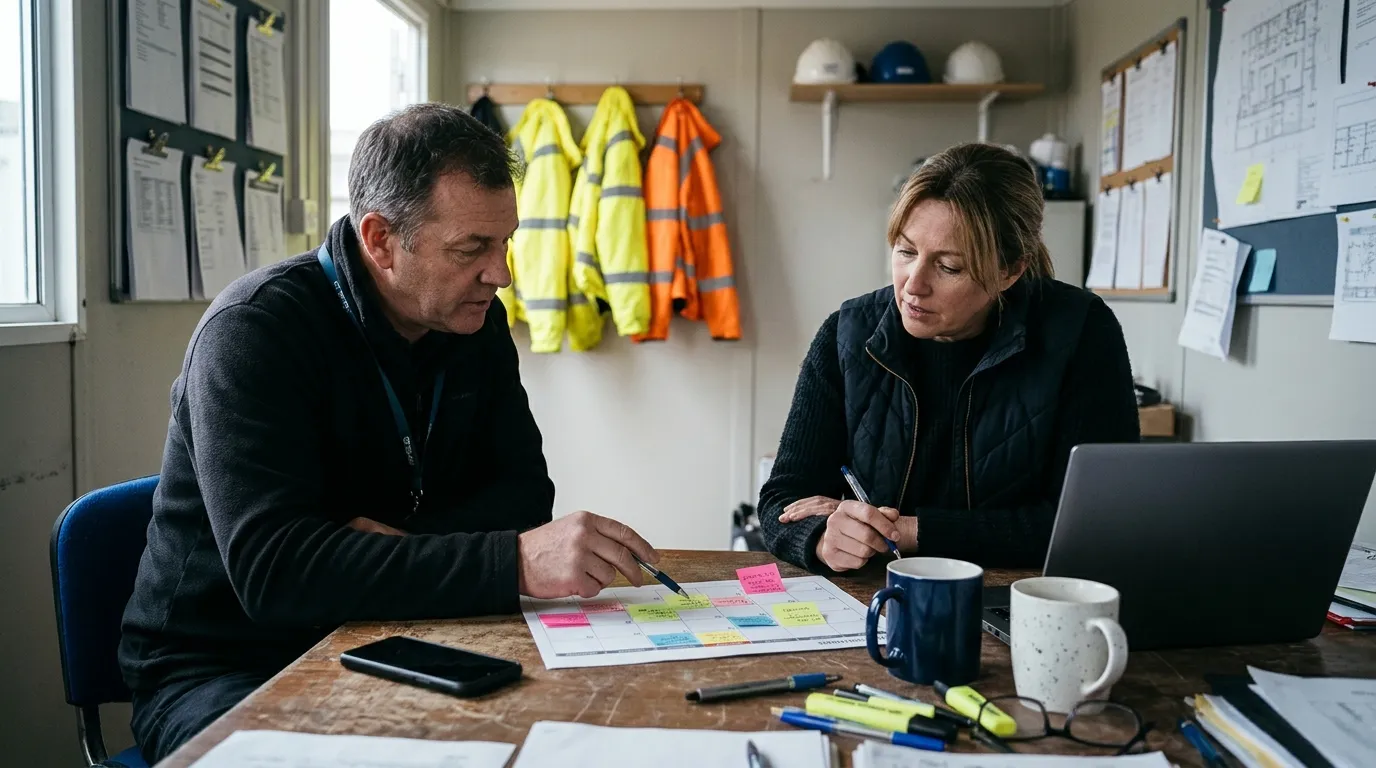
- One owner: a named person who makes sure the posts go out, even if others write them
- Templates: a few designs in your brand for projects, explainers and team posts, so nobody starts from a blank page
- A content calendar: a simple list of the next month’s posts, agreed in advance
- An approval step: a director or project manager checks the facts and photos
- A photo habit: site managers take a few photos every week, before, during and after, and drop them in one shared folder
Fado, a London fit-out company, got exactly this: a LinkedIn-led plan, post templates in their brand, a content calendar with team approvals, and training so their own team could run it. From February to April 2026, compared with the previous period, engagement on their LinkedIn page rose 60%, impressions 43% and comments 144%. The posts in that period came from work the team was already doing, such as completed projects in listed buildings and live sites, a “day on site” feature with a project coordinator, a careers fair and a clean ISO audit.
Multi-slide posts take the most time to design, so templates save the most time there. SlideDrift, a visual content studio founded by Matt Lok, turns notes, articles and ideas into posts in your brand, but any design tool with saved templates will do the job.
Measure What Matters
Likes are nice, but they don’t pay invoices. Track a few things every month:
- Impressions and engagement on the company page, from LinkedIn’s page analytics, to see which types of post people respond to
- Comments, which usually come from people who know you or want to talk to you
- Who your followers are, by job title and industry, to check you’re reaching buyers and not only other contractors
- Clicks to your website, in Google Analytics, so you know if posts send people to your projects
- Enquiries, with “How did you hear about us?” on your contact form and on the first call
Social media rarely gets the credit in an enquiry log, because a client usually says “we were recommended” or “we found you on Google”. Ask a follow-up question, such as whether they’d seen your posts. Over a few months you’ll see whether it’s helping the introductions you already get. The guide to marketing for construction companies covers how to set up the enquiry log.
Construction Social Media Checklist
- A complete LinkedIn page with a real project cover
- Two or three people posting from their own profiles
- A named owner for social media
- Templates for projects, explainers and team posts
- A content calendar for the next four weeks
- Start, topping out and handover posts for every job
- One detail post and one people post a month
- Photo permission agreed at the start of every job
- Every photo checked for PPE and security
- Site photos taken every week and saved in one place
- A monthly check of engagement and website clicks
- “How did you hear about us?” asked on every enquiry
Download the checklist as a spreadsheet. It opens in Excel or Google Sheets, with a column to tick off as you go.
Common Questions
Which social media platform is best for a construction company?
For commercial contractors, fit-out firms and subcontractors, LinkedIn. That's where clients, consultants, main contractors and recruits are. Add Instagram if your work is design-led and photographs well, and Facebook if you sell to homeowners.
How often should a construction company post on social media?
Start with two posts a week on LinkedIn: one planned post and one from site. LinkedIn says companies that post weekly see twice the engagement, so once a week is the minimum worth doing. Keeping it going for a year matters more than any single post.
Should we pay for LinkedIn ads?
Not at first. Organic posts and your team's own profiles reach the people who already know you, for free. Ads can work later for a specific goal, such as promoting a job opening or showing a case study to facilities managers in your area, but only once you have posts worth promoting and a website that turns visitors into enquiries.
Should our staff post on their own LinkedIn profiles?
Yes, if they're willing. Their connections are clients and consultants they've worked with, and people trust people more than company pages. Give them a few guidelines, such as what not to share from site, and make resharing easy. Don't force anyone.
Can we use AI to write our posts?
AI can turn site notes into a first draft quickly. Someone who knows the job has to check every fact, figure and name before it goes out, because AI will fill gaps with details that sound right but aren't. Posts in your own words, with your own photos, will always do better than generic ones.
How long until social media brings in work?
Expect months, not weeks. Social media works by keeping you in mind, so the payoff usually shows up as warmer introductions, better-informed enquiries and easier hiring, not a sudden stream of leads. Give a routine at least six months before you judge it.
Where does social media fit with the rest of our marketing?
Every post should point somewhere useful, usually a project page on your website, so the website needs to be ready for those visits. The construction website design guide shows what buyers expect to find when they get there, and the Google Business Profile guide covers the listing people see when they search your name. For a full example of a fit-out website with its LinkedIn carousels and a four-week plan, see the Hollis Yard concept.
If you'd like a second pair of eyes on your social media and website, the £950 audit goes through both and gives you a 90-day plan for what to fix first.